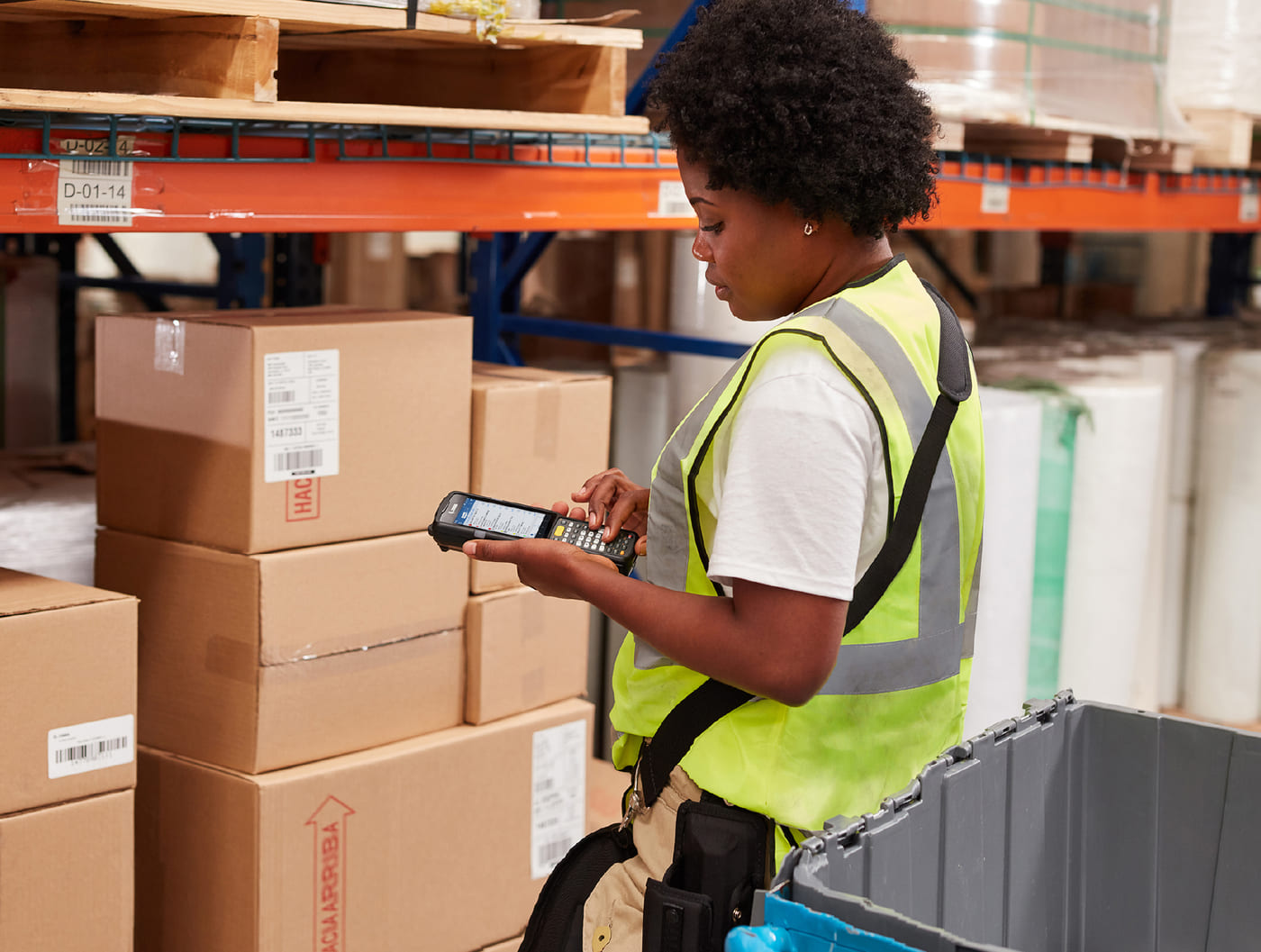

6 Key Factors to Address for Better SAP Mobile Performance
When mobile SAP workflows are done right, the impact is straightforward:
- Work moves faster.
- Execution is consistent.
- Training time drops because the system makes sense.
- Operations keep moving—even if connectivity drops.
In theory, warehouse work becomes easier to perform, easier to scale, and less dependent on
who happens to be on shift.
That’s the expectation. But most SAP mobile solutions don’t really support this, and the
experience of frontline workers often tells a much different story.
Why Your SAP Mobile Workflows Aren’t Getting It Done
With most SAP mobile solutions, your frontline workers and operators aren’t executing work. They’re navigating SAP:
- Menus.
- Codes.
- Field-by-field screens.
- Remembering which path to take.
- Knowing how to recover when something breaks.
- Relying on experience to keep things moving.
The result?
- What should take seconds takes much longer.
- What should be guided takes extensive knowledge, judgment and memory.
- What should be consistent varies by user, shift, and site.
This isn’t because your team isn’t capable. It’s because the system quietly pushes execution responsibility back onto your workers.
That’s why the same patterns show up again and again:
- Slow, cumbersome workflows
- Longer time to execute tasks
- Dependency on “power users.”
- Longer training and onboarding.
- Inconsistent performance across sites.
- Fragile execution when conditions aren’t perfect.
At this point, most teams realize something important:
This isn’t a usability issue, and it isn’t a training problem. It’s an execution gap, built into how the system was designed.
But most teams don’t think of this as an SAP mobile problem, even though that’s exactly what it is in most environments.
Why ITS Mobile or Other SAP Mobile Approaches Are Often the Cause
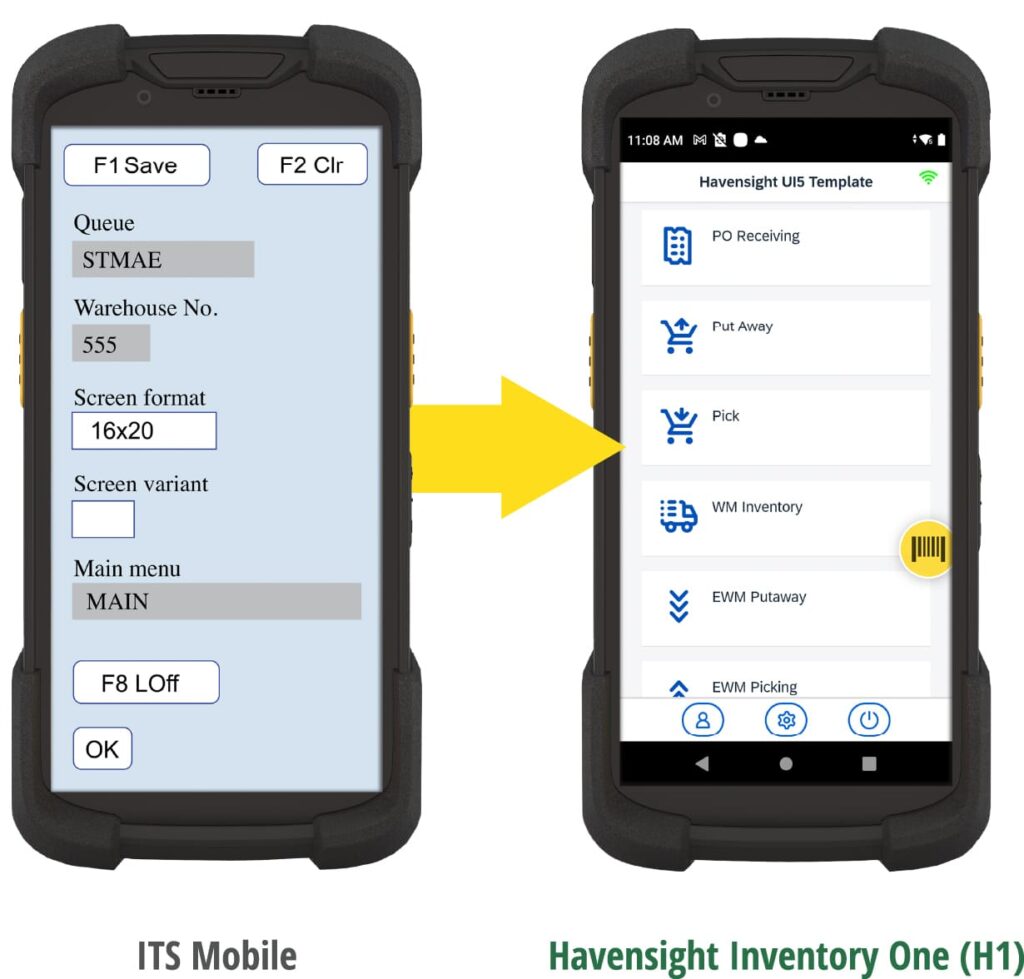
Traditional SAP mobile approaches, including ITS Mobile, were designed to expose transactions to the operator instead of guiding execution. The system renders screens and fields, but it doesn’t understand the work being performed. As a result, operators are forced to navigate SAP rather than execute the task, turning everyday warehouse work into system navigation that depends on memory, judgment, and tribal knowledge.
The six issues below are the predictable ways that this design choice shows up in real environments and how the impact compounds over time.
Want a convenient download of this article, plus a comparison chart to see how you can build better SAP mobile workflows than what’s possible with ITS Mobile? Download these resources now and keep reading below.
Learn How to Create Faster, More Efficient SAP Workflows.
See how Havensight Inventory One helps you create system-guided and optimized mobile workflows for faster and more efficient warehouse execution.
Poor Ease of Use.
Traditional SAP mobile solutions were designed around exposing SAP transactions directly to operators. To complete work, users are expected to understand transaction codes, movement types, function keys, and exception paths inside the system.
ITS Mobile follows this same model.
Instead of guiding users through tasks, the mobile interface presents SAP transactions and relies on the operator to interpret what to do next. Functions and exceptions are selected through codes and acronyms that must be memorized, referenced from cheat sheets, or learned through experience on the floor.
In practice, this creates a steep learning curve.
New operators take significantly longer to become productive. Experienced users become a dependency. Simple tasks require multiple decisions before any work can actually be executed, increasing both effort and the likelihood of error.
What should be straightforward execution turns into system navigation.
Rather than the system absorbing complexity and guiding the work, the burden is placed on the operator to remember how SAP behaves, which inputs matter, and how to recover when something goes wrong. Over time, ease of use becomes less about interface design and more about who on the floor knows the system best.
Operators aren’t executing work— they’re navigating SAP
What should take seconds takes experience.
Poor Connection Handling.

When the connection drops, the work starts over.
Warehouse mobility was originally designed around the assumption of persistent connectivity.
Early SAP mobile solutions—and later ITS Mobile—rely on server side sessions to manage transactions as they are executed. When connectivity is stable, this model works reasonably well. But when a session is interrupted, the system has no durable, device level context to fall back on.
In practical terms, this means that when an operator enters a dead zone or experiences a network drop, the active session is lost. Any in process transaction must be abandoned, the user must log back in, and the work has to be recreated from the beginning.
In real world warehouse environments, this is not a rare edge case.
Large facilities, outdoor yards, trailer rows, freezers, and high rack areas routinely experience inconsistent coverage. Under these conditions, connection interruptions are expected—not exceptional.
To compensate, some organizations introduce third party middleware to preserve sessions or smooth over short disruptions. These solutions add complexity and cost, and even then, they still do not provide true offline execution. The system remains dependent on a live connection to continue work.
As a result, execution becomes fragile.
Small interruptions lead to rework. Operators develop workarounds. Certain areas or tasks get avoided when connectivity is unreliable. Over time, these issues compound—slowing execution, increasing errors, and reducing confidence in the system.
By the time the full impact is visible, what started as minor friction is often deeply embedded in day to day operations.
And connection handling is just one example of how transaction centric mobile architectures struggle under real world conditions. The remaining issues—and how leading SAP organizations are addressing them—are where the execution gap becomes impossible to ignore.
Complex and Cluttered Screen Layouts.
SAP warehouse mobility has evolved—but the underlying design model has changed far less than it appears.
Early solutions like SAP Console and green screen RF interfaces were entirely text based. They exposed SAP transactions directly to operators and required deep system knowledge to navigate fields, codes, and menu paths correctly.
ITS Mobile represented a clear improvement. It moved SAP transactions into a browser based experience, replacing terminal screens with buttons, labels, and basic layout control. For its time, this was a meaningful step forward.
But while the presentation layer evolved, the core interaction model did not.
ITS Mobile still builds mobile screens by rendering SAP transactions field by field, rather than designing workflows around the task being performed. As a result, screens expose every possible field and option—whether or not they are relevant in that moment of work.
More recent approaches, such as Screen Personas and Fiori RF, modernize the look and feel further. They introduce cleaner visuals, responsive layouts, and simplified screens. But in most cases, they still sit on top of the same transaction driven foundation. The system presents screens; it does not guide execution.
In practice, this results in dense, field heavy interfaces that shift decision making back onto the operator. Users must interpret what to do next, remember which fields matter, and know how to recover when something goes wrong.
Any effort to truly simplify these screens requires transaction by transaction customization and device specific layouts. As processes vary by site and device types multiply, complexity increases instead of disappearing.
The impact isn’t cosmetic.
Field driven screens slow execution, lengthen training cycles, and increase reliance on experienced users to keep work flowing. Instead of making execution easier, the interface turns everyday warehouse tasks into a navigation exercise—one that depends on memory and tribal knowledge to stay consistent.
More fields don’t add clarity—they add friction.

Slow and Inconsistent Response Times.
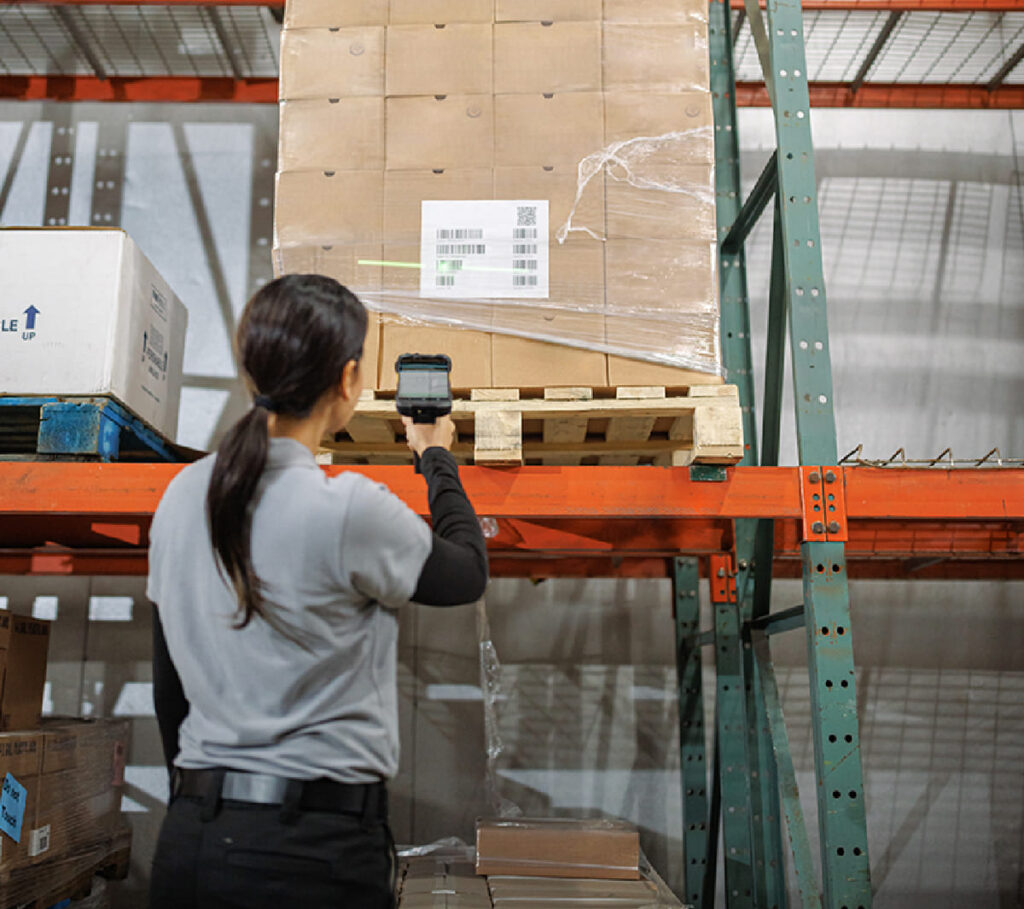
Delays compound at scale.
Early SAP mobile solutions were designed for a very different operating environment—one where latency was expected, interactions were linear, and users worked through transactions step by step.
That model carried forward into ITS Mobile.
Because ITS Mobile is fundamentally built around synchronous transaction processing and server dependent screen rendering, application responsiveness is closely tied to network conditions, session stability, and backend performance. In real world warehouse environments—where connectivity fluctuates and users move constantly—this often results in noticeable delays between actions.
Operators feel this as lag: confirmations that take longer than expected, screens that hesitate to load, and workflows that slow just enough to break momentum. When multiplied across hundreds or thousands of transactions per shift, those small delays add up quickly.
To mitigate this, many ITS Mobile deployments introduce third party middleware or performance enhancing layers to improve responsiveness or preserve sessions during brief connectivity drops. While these approaches can help, they don’t change the underlying execution model.
At the core, ITS Mobile still relies on an older programming model, transaction server behavior, and connection architecture—none of which were designed to deliver fast, device resident, workflow driven execution.
As a result, performance improvements tend to be incremental and fragile. Even with optimization, it’s difficult to achieve the consistently fast, responsive experience that modern warehouse operations expect—especially when compared to platforms built on current, mobile native architectures.
In practice, response time variability becomes another execution burden placed on the operator, rather than a problem solved by the system.
Limited Device and Hardware Support.
SAP warehouse mobility was originally designed around a very narrow set of device assumptions.
Early RF and console-based solutions targeted rugged, keyboard driven handhelds with limited screens and basic scanning capabilities. Interaction models were simple, linear, and tightly bound to SAP transactions.
ITS Mobile, introduced in 2007, carried those assumptions forward. While it added a browser layer and improved presentation, the architecture was still built for a world of small screens, basic barcode input, and minimal device variation—well before the rise of modern touch devices, tablets, wearable scanners, RFID readers, cameras, and advanced sensors.
Since then, warehouse hardware has evolved dramatically.
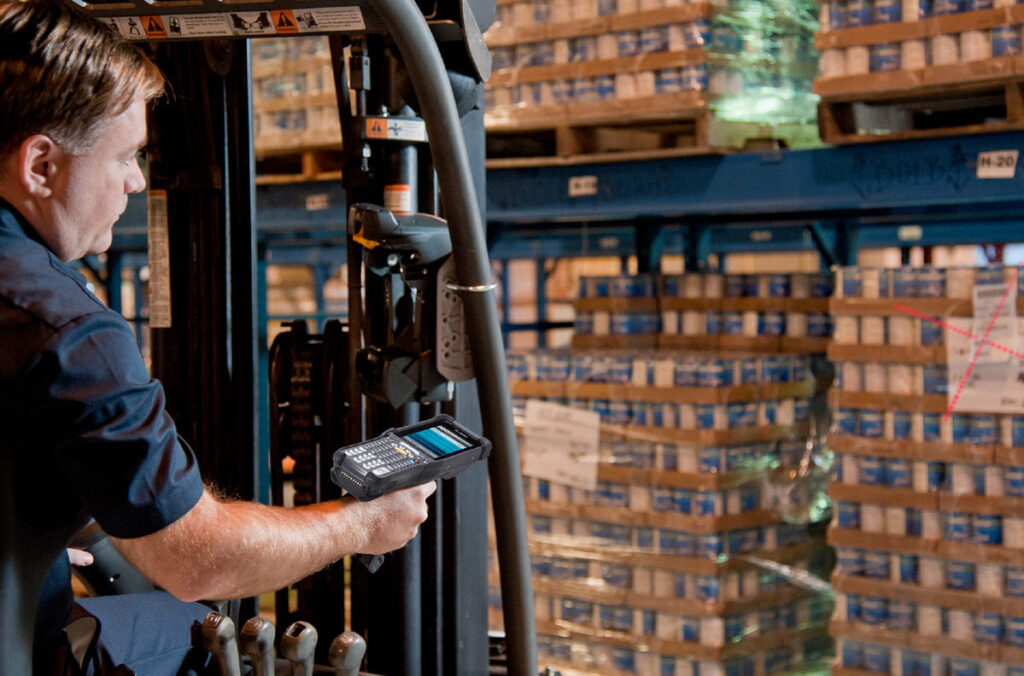
Modern devices—particularly those from manufacturers like Zebra—support a wide range of form factors and capabilities: high performance scanning, advanced imaging, cameras, time of flight sensors, OCR, and mixed input modes across handhelds, tablets, vehicle mounts, and wearables.
But ITS Mobile does not adapt natively to this diversity.
Applications built on ITS Mobile struggle to render consistently across device types and screen sizes, and they have limited ability to fully leverage modern data capture capabilities. Advanced hardware features may technically exist on the device, but the software architecture is not designed to make them integral to the workflow.
As a result, organizations are forced into compromises:
- Standardizing on fewer device types instead of choosing the best tool for the task
- Leaving advanced device capabilities underutilized
- Adding custom development or middleware to bridge hardware gaps
In practice, more powerful devices don’t simplify execution—they often expose the limitations of a transaction centric mobile design even further.
Rather than enabling richer, more intuitive execution, the platform constrains how modern hardware can be used on the warehouse floor.
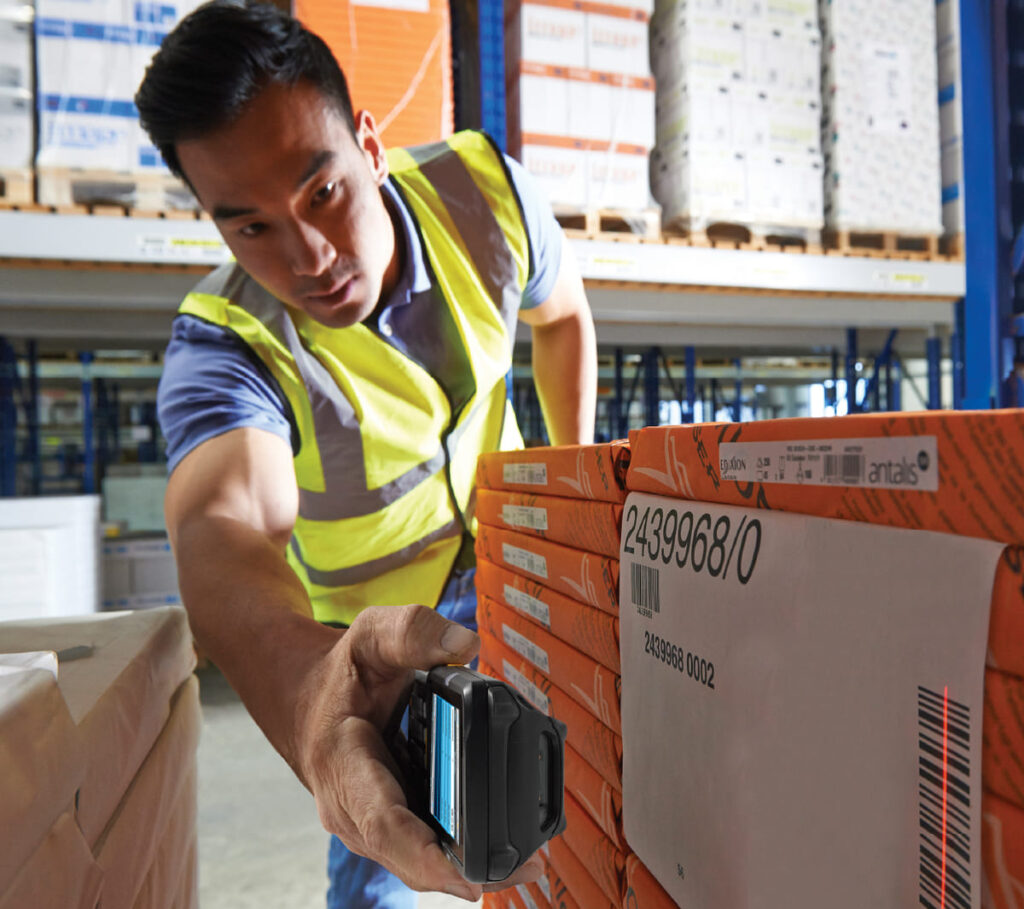
Modern devices.
Legacy experience.
Security Vulnerabilities.

More layers = more complexity.
Traditional SAP mobile solutions were designed in an era where persistent connectivity, session based access, and terminal style interactions were the norm.
Early console and RF approaches relied on tightly coupled connections to SAP, often exposed through terminal sessions or intermediary layers that assumed constant network availability and limited device diversity.
ITS Mobile inherited much of this model.
To function across networks and devices, many ITS Mobile deployments rely on additional connection layers, session handling mechanisms, and—in some environments—terminal or emulation based access methods. While these approaches can be made to work, they introduce extra infrastructure and increase the overall surface area that must be secured, monitored, and maintained.
As SAP environments have evolved, security expectations have changed along with them
Modern SAP architectures emphasize stateless interactions, direct API based integration, and contemporary authentication and authorization methods that align with enterprise identity standards. In contrast, ITS Mobile’s older connection and rendering model was not designed with these approaches in mind.
This creates a growing disconnect.
Security teams are often forced to manage exceptions, compensating controls, or additional middleware to align older mobile architectures with current security policies. Over time, this increases operational overhead and makes it harder to consistently meet evolving compliance and governance requirements.
The issue isn’t that ITS Mobile is inherently insecure.
It’s that its architectural assumptions predate many of the security patterns organizations now expect as standard. As SAP landscapes modernize, that mismatch becomes increasingly difficult to ignore.
A Different Approach to SAP Mobile Execution
As warehouse operations have evolved, so have expectations for how work gets executed on the floor. Modern SAP environments require more than mobile access to transactions—they require system guided execution that performs reliably under real world conditions.
This is where leading SAP organizations are rethinking their mobile strategy—and why many are adopting Havensight Inventory One (H1) as their warehouse execution layer.
Rather than exposing SAP transactions to operators and relying on experience to bridge gaps, H1 is designed around system-guided execution.
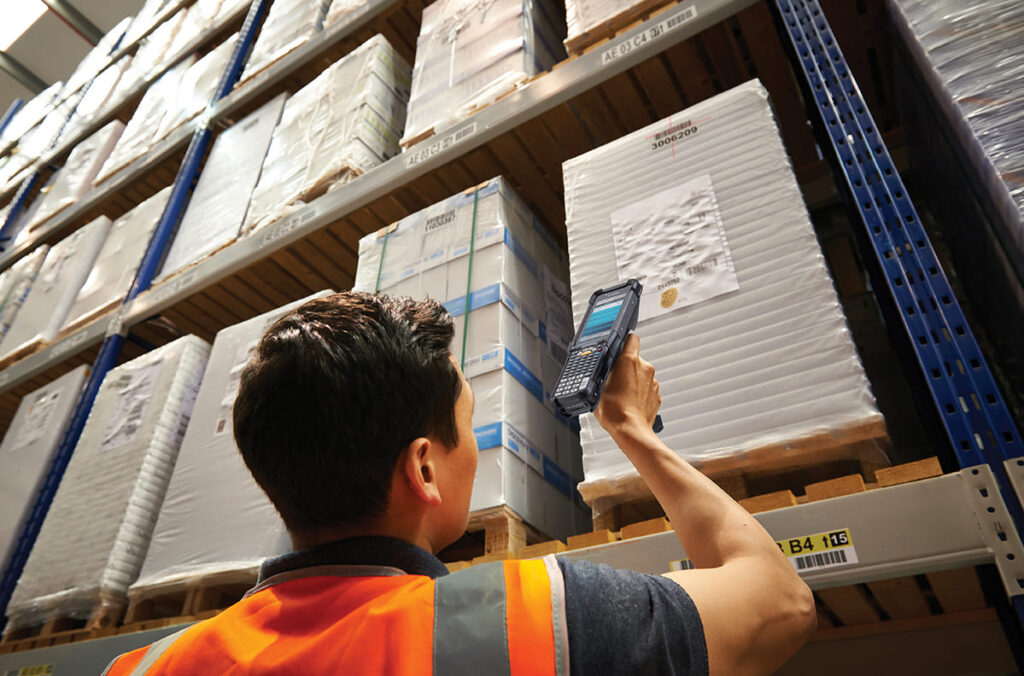
What Changes
With H1, decision making moves out of the operator’s head and into the workflow itself. The system understands the task being performed and guides users step by step—based on context, intent, and business rules.
The result is a fundamentally different operating model:

Faster execution:
Fewer screens, fewer steps, and less manual input accelerate receiving, putaway, and picking.

Reduced training burden:
Operators become productive in hours rather than weeks, without needing deep SAP knowledge.

More consistent execution:
Work is performed the same way across users, shifts, and sites — reducing variability and error.

Improved reliability:
Work continues through dead zones or network disruptions, eliminating lost transactions and rework.
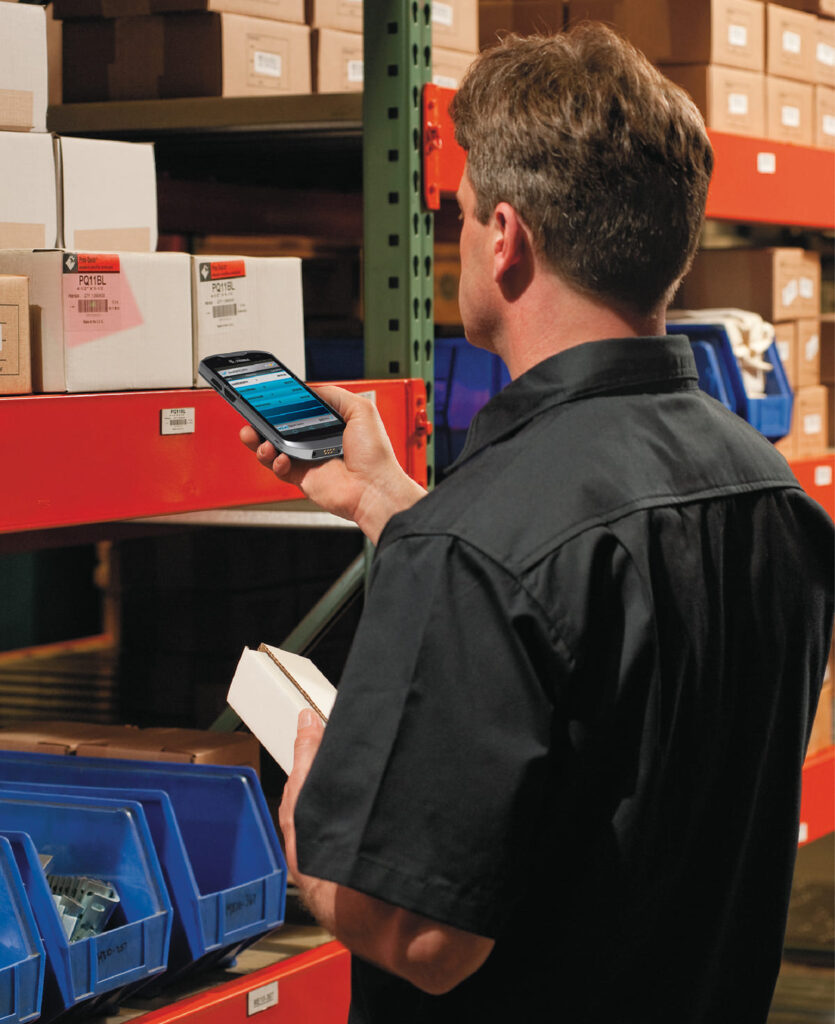
Why These Results Are Consistent
H1 shifts execution from the operator to the system.
By embedding logic directly into workflows, decisions are made at the point of work—not left to interpretation. This reduces dependence on experienced users and enables predictable performance at scale.
Operational and IT Impact
In addition to frontline productivity gains, H1 simplifies the supporting architecture:
- Eliminates reliance on third-party middleware
- Reduces long-term IT support and maintenance overhead
- Aligns with SAP’s modern UI5 and S/4HANA direction
- Fully leverages modern mobile devices and data capture technologies
The Outcome
Organizations using H1 typically see:
- 30–50% fewer transaction steps
- 60–80% reduction in training time
- 15–30% faster warehouse execution
- Lower long-term support costs
H1 transforms SAP mobility from transaction access into a true execution layer—improving productivity, accelerating onboarding, and increasing operational reliability across the enterprise.
While this article highlights specific limitations of ITS Mobile, the broader shift is in how warehouse work actually gets executed. The comparison chart illustrates the difference between simply accessing SAP transactions and enabling system-guided execution on the warehouse floor.
Execution shifts from the operator to the system

See How Inventory One Can Modernize Your Warehouse Execution.
Schedule a demo to see how Havensight Inventory One helps you create guided, optimized mobile workflows for superior warehouse execution.
Or you can email us or call us at 630-339-3030.
ZEBRA and the stylized Zebra head are trademarks of Zebra Technologies Corp., registered in many jurisdictions worldwide. All other trademarks are the property of their respective owners. ©2026 Zebra Technologies Corp. and/or its affiliates.